Showing posts with label photoscape. Show all posts

9/14/14

toetoe in photoscape

I downloaded the latest version of Photoscape last night and played with some of the new settings. I like that there are now 3 'versions' of monochrome settings but I'm not quite sure if I prefer one over the other.

This is the 'bandicoot' setting. It looks to me like a cross between grayscale and sepia. (Don't ask me about the name--the closest I could find was the color of the bandicoot rat :/ )

This shot was converted to the new 'grayscale' setting--more like what I expect for black and white.
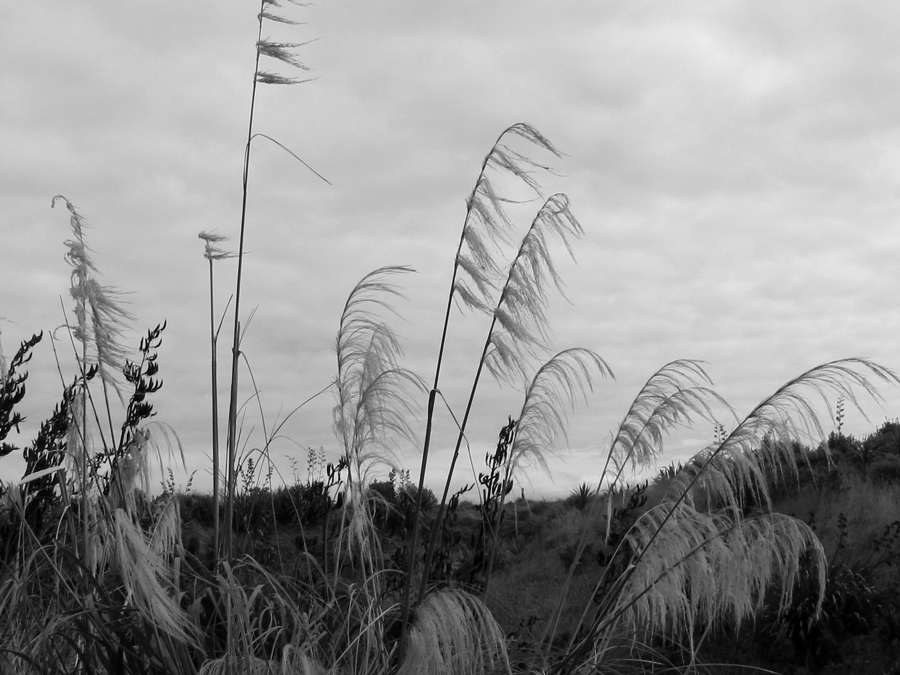
This one is simply 'black and white'. I can see where it would work well on some shots.

Do you have a preference?

7/10/14

cape reinga lighthouse and why I don't worry

Some of you wonderful bloggy folk have wondered why I don't put watermarks on my photos so they don't get stolen. Well, that's just my choice and there are several reasons why: 
1. I don't post anything that I would get upset about if someone 'borrowed' it.  I mean, there is always a way to get a photo off the internet--even if you don't allow right-click :)
2. I don't want to take away from the photo by plastering my name across it.
3. The photos I post are awful to steal! I resize them in Photoscape  down to about 900px on the long side. That makes it faster to upload, good to view on your monitor  and pretty crappy resolution if you try to make it bigger.


light-house-nz


11/27/12

it's all in the editing

For those that have asked about some of my 'larger than life' photos, rest assured that it's not because my camera is super-expensive or has special powers :) It's all in the post-editing.


I took these 11 photos of a huge tree beside a building (yes, I repeated one to fill in the small squares of the mosaic) and used autostitch to combine them into one beautiful scene. Click here for the autostitch download.and/or more information. 


Of course, the finished scene is not perfect, so I cropped the shot to include what I want to have in the final photo.


Then I used the clone brush in photoscape to fill in the edges. Click here for the photoscape download and more information.

And...voile!!


Of course, sometimes, I just can't leave well enough alone, so I used the 'threshold' button on photoscape to create this:


Please feel free to ask any questions about any of these processes in a comment or email me at tenfootheart (at) gmail (dot) com.


3/5/12

as abstract as I get


Done with color engraving filter on Photoscape.